
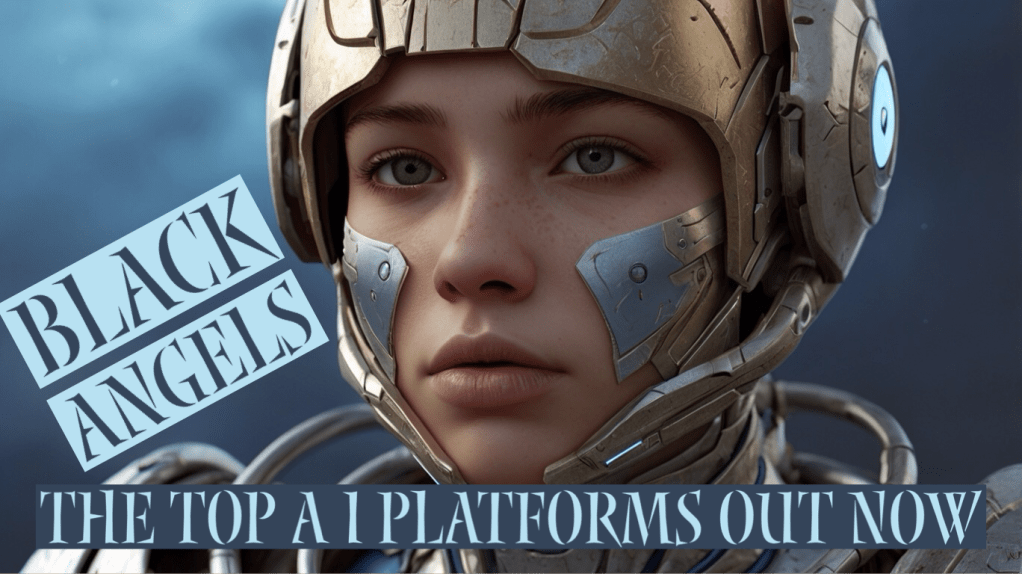
Thought it’s best I share with you here, how I made my Movie Trailer , all from scratch, on my Apple IPad. It took me 8 days to produce 3:26 minutes…
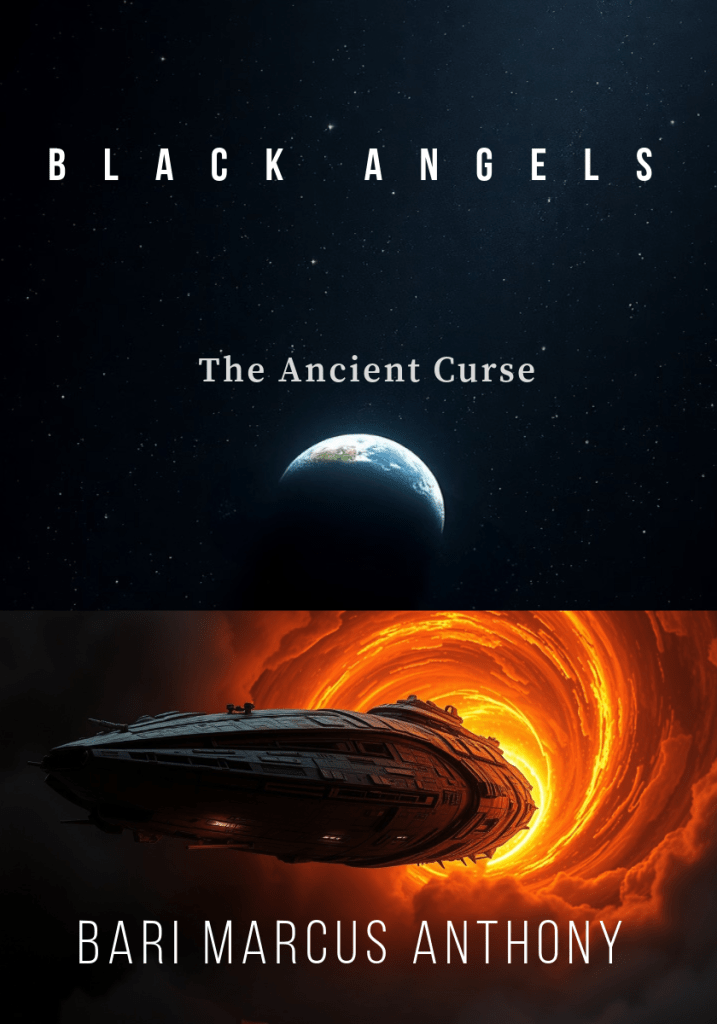
Oh man ! Where do I even start 😂 Producing your own Movie Trailer is a lot harder than I thought. First and foremost, the whole reason to making a movie trailer is to promote my science-fiction book “ BLACK ANGELS – the Origin “ . It’s also to possibly attract movie producers, directors and agents because they’re impossible to contact , due to the nature of the movie business. That being said, it’s my hope that one day my thriller scifi novel will become a blockbuster movie ; and so you know, the storyline doesn’t finish with my first book. There is a whole trilogy in the works…
SO – How did I do it ?
It certainly wasn’t simple ; time consuming and tons of research, looking for the right fit and trying to spend only $100 all in one! I could have easily spent more , but I can’t afford all the monthly prices for each App Platform. If my movie trailer becomes successful with tons of viewers on YouTube, I would become a member of each valuable Platform.
AI Platforms
I am sure your interested on the Platform Applications that worked for my project ; here they are :
1. Dupdub – is a platform that offers various AI-powered tools for voiceover, writing, painting, avatar creation, and video editing. You can transform your content creation and communication with DupDub’s suite of products and start your free trial today. And yes ! The free trail is awesome ; I looked at other platforms and found Dupdub was the easiest to make my “ Text to Speech “ , bringing photos to life. It’s indeed the one for me. That being said, this one I had to buy a certain number of credits to allow me to work on my project successfully. So I spent the minimum requirement, costing me $96 .
2. Leonardo.ai — so I bet your next question is – Where did I find all these cool art pieces and photos? That’s when I found Leonardo AI ; creating stunning art, images and videos , it’s the ultimate AI image generator, and most importantly, it’s free ! Of course, if you’re a team or a professional producer, you defiantly want full access with their paid membership , starting from $10 per month and up to professional. Plus, this one has the option for downloading an App, which I prefer. Perfect !
3. Pika — is indeed cool because it’s like Leonardo AI and also has free access without paying monthly ( with limited daily use). I would use Pika Platform as I would Leonardo A I because I want as many different variations plus access to using the platforms , since I have limited access to producing photos that come alive with action. That being said, Pika doesn’t always work like you want it to, so you end up wasting some of your motion pictures. I bet they do this so you’ll buy their program ; but I am persistent. So you know , “Pika was founded by two Stanford Ph.D students who felt making videos was too damn hard. So, they decided to make it easier for anyone to create video on command.” as said on their website.
4. Haiper — next is the platform AI Haiper ; it’s another great tool with a “…powerful perceptual foundation model-driven AI, designed for a new path towards AGI. We’re not only building a proprietary model that very few in the space has been able to accomplish, but also growing, evolving and aligning with a creator community at its centre.” It was founded by alumni from Google Deep!ind, TikTok and top research labs. It too is amazing and certainly helps in my goal of productive my Movie Trailer “ BLACK ANGELS” . Once again- you can start using it for free !
5. iMovie — because I’m poor , monthly memberships on each Platform would be too costly for me ; so, of course I use my free IMovie editor to edit each one of my movies, YouTube videos and so on. I use the IPad App , which suits me perfectly. Use to have CapCut until that went totally costing a fortune 😂. Sure. iMovie could upgrade for better editing modes, but for now, they do the editing and tasks that I need to accomplish.
6. Adobe Express – the last important piece to the puzzle is using Adobe Express for design , lettering to short videos using free stock photos and my own art creations. It’s as they say,” all-in-one AI content creation app for making stunning social posts, images, videos, flyers, and more. The new mobile app is now available. Dream it. Make it. Easy.“ I been using this wonderful mobile App for the past 8 years, when it started out as “Adobe Spark”. Extremely useful and , the most part free ! If you look hard, there’s a ton of free “stock photos “ to choose from. I truly love this Platform!
Updated Oct 2025: My Evolving Toolkit for Crafting Movie Trailers
Hello, fellow creators and sci-fi enthusiasts!
It’s amazing how fast the world of content creation, especially with AI, continues to evolve. Back in 2024, I shared my process above for making my “BLACK ANGELS – The Origin” movie trailer using a specific set of AI platforms and editing tools. Well, things have shifted, and I’ve embraced some incredible new technologies that are streamlining my workflow even further.
My goal remains the same: to promote my science-fiction book “BLACK ANGELS” and “ Guardians of Humanity “ hopefully, one day, catch the eye of producers who can bring this trilogy to the big screen. The journey is persistent, and staying agile with my tools is key.
My focus is always on efficiency and quality, especially while keeping costs manageable. The beauty of today’s AI landscape is the power you can wield even on a budget. So, let’s dive into my updated 2025 toolkit!
The New Power Duo: Veo AI and CapCut
Gone are some of the individual AI apps I once relied on. My current setup is centered around two incredibly powerful platforms: Veo AI for groundbreaking video generation and CapCut for all my professional-grade editing needs.
1. Veo AI (Google’s Veo)
This is where the magic of “bringing my vision to life” truly happens. Veo AI, specifically Google’s Veo model (likely version 3.1), is no longer a standalone purchase but integrated into Google’s robust AI subscription ecosystem.
• How I Access It: For a creator like me, the most practical access point is through the Google AI Pro Plan through Google Labs and FLOW
• Price: Approximately $19.99 USD per month ( 28.00 CA )
• What it includes: This plan grants me access to Google’s cutting-edge AI models, including Gemini 2.5 Pro, and crucially, it allows for a limited number of video generations per day using Veo’s incredible capabilities. I typically get around 3 videos daily using the “Fast” model, which is perfect for iterating quickly on trailer concepts.
• For High-Volume Needs: While beyond my current budget, it’s good to know about the Google AI Ultra Plan (around $249.99 USD per month) for those needing higher usage limits (e.g., 5 Veo videos per day) and access to Google’s absolute best AI models. There’s also a Developer API (Pay-as-you-go) option for more technical users, costing roughly $0.15 USD per second for “Fast” quality or $0.40 USD per second for “Standard” quality video.
Veo has become instrumental in generating stunning, dynamic scenes for my trailers, saving countless hours I once spent piecing together static images or simple animations.
2. CapCut
Stepping in where iMovie once served, CapCut has become my go-to video editor. It’s incredibly powerful and versatile, suitable for everything from short social media clips to full-fledged movie trailers.
• The Free Version:
• Price: $0
• What it includes: This is where I started, and it’s still incredibly capable. CapCut’s free tier offers all the essential editing tools, a vast library of effects, and ready-to-use templates. It truly empowers creators on a budget.
• CapCut Pro (Subscription):
• Price: This is where I’ve upgraded for enhanced features. Pricing can fluctuate, but it generally ranges from $7.99 – $9.99 USD per month, or you can save significantly with an annual plan at $74.99 – $89.99 USD per year.
I was lucky to get it for $99 CA per year. So keep in touch with promotions.
• What it includes: The Pro subscription unlocks premium effects, advanced filters, seamless transitions, and removes watermarks from certain templates. Crucially, it provides access to more sophisticated AI-powered editing features (like AI retouches) and generous cloud storage, which is invaluable for managing my trailer projects.
CapCut’s intuitive interface and powerful features make the editing process smooth and efficient, allowing me to bring together all the generated content into a polished, impactful trailer.
I AM – BARI MARCUS ANTHONY
A creatively prolific Canadian author passionate about crafting captivating science-fiction narratives, particularly focusing on the enthralling saga of Black Angels. The author’s unparalleled talent for storytelling shines through in every piece of writing, promising a mesmerizing journey for readers into the depths of science fiction realms. He sparks interest by creating visions through videos —
Get your copy today
Or find it on Amazon
Big Question- Why ?
OK – So I bet some of you will ask me,” Since you’re an Artist, why in the hell do you support AI Platforms?”
Well – that’s pretty simple: Even though I will use my own creative art pieces, it takes way way way too long to spend the time drawing, painting and creating each art piece. A.I Platforms are prefect for producing the visual art piece within a minutes time , verses days of making each art piece. I’m here to promote my book “ BLACK ANGELS” as fast as I can ; AI fast tracks my efforts onto videos and movie trailers, leaving me time to enjoy my art during my past time. If you’re interested in my art , please see it at ARTPAL
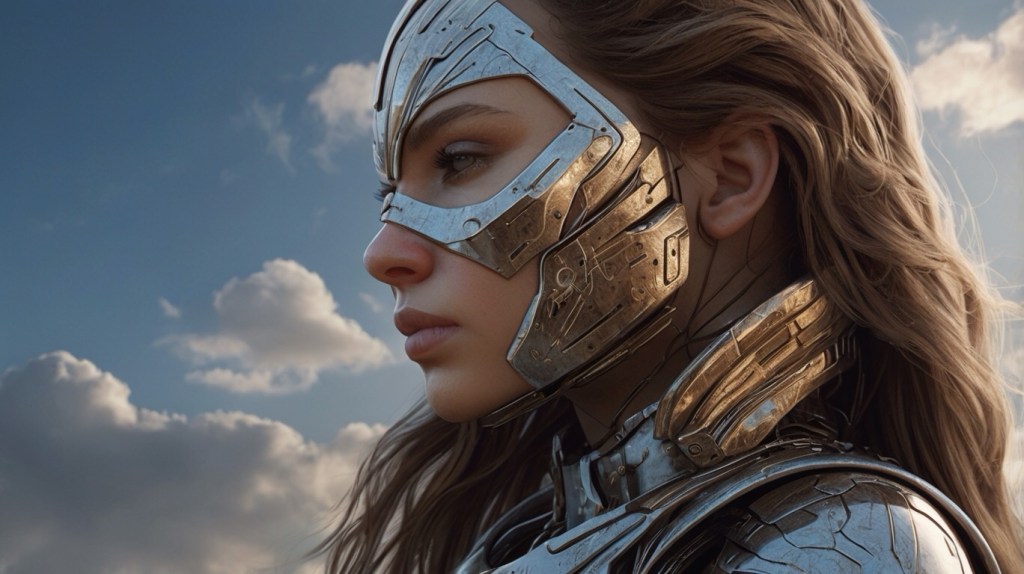
There you have it ! Please take a moment to like and subscribe to my YouTube Channel and maybe one day I can afford to pay monthly membership for these wonderful Platforms.
Join me on :
Hope you enjoy the process of my Movie Trailer “ BLACK ANGELS – Our Ancestors “
Sincerely,
Note : if you like to leave a comment, do so , but please be respectful! I monitor all communications to weed out those annoying trolls.
Copyright © 2024 Bari Marcus Anthony – All Rights Reserved



 Dreams and Reality
Leave a reply to I Dream of You – Dreams and Reality Cancel reply